Introduction
In today’s modern web development world, speed, flexibility, and user experience matter the most. Traditional WordPress themes sometimes feel limiting when you want to build fast, dynamic, and app-like websites.
That’s where Headless WordPress with React comes in.
In this guide, you will learn:
- What Headless WordPress is
- Why developers are switching to it
- How to set up WordPress as a backend
- How to connect React as a frontend
- Step-by-step configuration
- Real-world tips for production
This is a beginner-friendly, practical guide you can follow along.
What is Headless WordPress?
Normally, WordPress handles both:
- Backend (database, admin panel)
- Frontend (themes, UI)
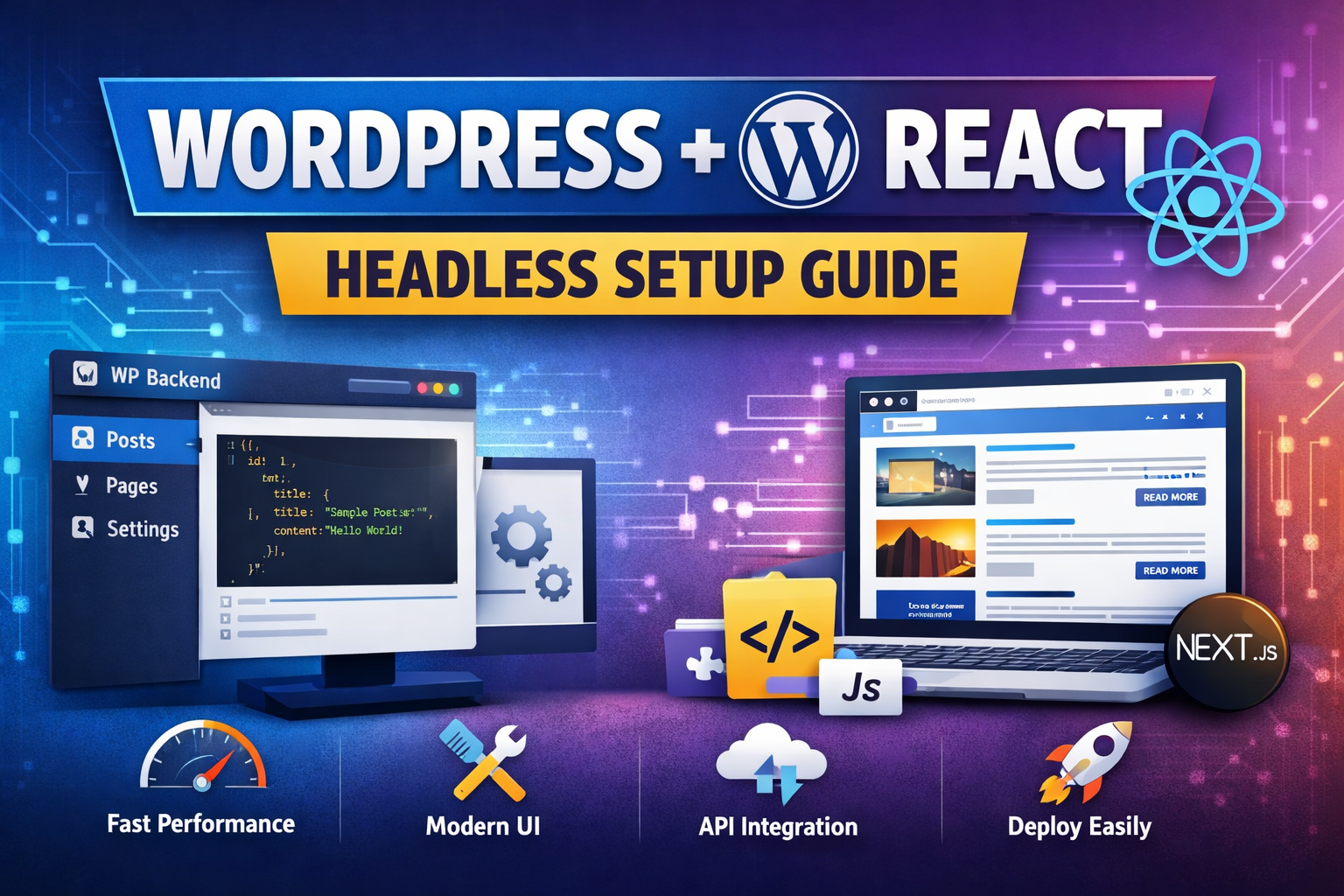
In Headless WordPress, we separate them:
- WordPress → Backend (API provider)
- React → Frontend (UI)
WordPress only manages content, and React displays it using APIs.
Why Use Headless WordPress?
Here are the main advantages:
1. Better Performance
React apps are faster than traditional themes.
2. Full Design Freedom
No theme limitations. Build anything you want.
3. Developer Flexibility
Use modern tools like:
- React
- Next.js
- Tailwind CSS
4. Multi-platform Content
Use same WordPress data for:
- Website
- Mobile apps
- Other platforms
System Requirements
Before starting, make sure you have:
- WordPress installed (local or live)
- Node.js installed
- Basic knowledge of:
- HTML, CSS
- JavaScript
- React basics
Step 1: Setup WordPress Backend
Install WordPress
You can install WordPress using:
- Local (XAMPP / Local WP)
- Hosting (Hostinger, etc.)
After installation:
- Login to
/wp-admin
Install Required Plugin (REST API)
WordPress already provides REST API by default.
Test it:
https://yourwebsite.com/wp-json/wp/v2/postsIf you see JSON data → API is working
Enable CORS (Important)
Sometimes React cannot fetch data due to CORS.
Add this in your theme functions.php:
function add_cors_http_header(){
    header("Access-Control-Allow-Origin: *");
}
add_action('init','add_cors_http_header');
Step 2: Setup React Frontend
Create React App
Open terminal:
npx create-react-app my-headless-app
cd my-headless-app
npm start
Clean Project Structure
Delete unnecessary files:
- logo.svg
- App.css (optional)
- extra boilerplate
Step 3: Fetch Data from WordPress
Now connect React with WordPress API.
Open App.js:
import React, { useEffect, useState } from "react";

function App() {
  const [posts, setPosts] = useState([]);

  useEffect(() => {
    fetch("https://yourwebsite.com/wp-json/wp/v2/posts")
      .then((res) => res.json())
      .then((data) => setPosts(data));
  }, []);

  return (
    <div>
      <h1>Blog Posts</h1>
      {posts.map((post) => (
        <div key={post.id}>
          <h2 dangerouslySetInnerHTML={{ __html: post.title.rendered }} />
          <div dangerouslySetInnerHTML={{ __html: post.excerpt.rendered }} />
        </div>
      ))}
    </div>
  );
}

export default App;
Step 4: Display Single Post
To show individual posts, you need routing.
Install React Router:
npm install react-router-domSetup Routing
import { BrowserRouter, Routes, Route } from "react-router-dom";
import Home from "./Home";
import SinglePost from "./SinglePost";

function App() {
  return (
    <BrowserRouter>
      <Routes>
        <Route path="/" element={<Home />} />
        <Route path="/post/:id" element={<SinglePost />} />
      </Routes>
    </BrowserRouter>
  );
}
Fetch Single Post
import { useParams } from "react-router-dom";

function SinglePost() {
  const { id } = useParams();

  const [post, setPost] = useState({});

  useEffect(() => {
    fetch(`https://yourwebsite.com/wp-json/wp/v2/posts/${id}`)
      .then((res) => res.json())
      .then((data) => setPost(data));
  }, [id]);

  return (
    <div>
      <h1 dangerouslySetInnerHTML={{ __html: post.title?.rendered }} />
      <div dangerouslySetInnerHTML={{ __html: post.content?.rendered }} />
    </div>
  );
}
Step 5: Improve API Data (Optional but Recommended)
Install plugin:
- Advanced Custom Fields (ACF)
Then install:
- ACF to REST API plugin
This allows custom fields in API.
Step 6: SEO Considerations
Important: React apps are not SEO-friendly by default.
Solution:
- Use Next.js instead of React
- Enable Server-Side Rendering (SSR)
Step 7: Deployment
WordPress:
- Host on shared hosting (Hostinger, etc.)
React:
- Deploy on:
- Netlify
- Vercel
Project Structure (Recommended)
src/
 ├── components/
 ├── pages/
 ├── services/api.js
 ├── App.js
Common Issues & Fixes
1. CORS Error
Fix via headers in WordPress.
2. Data Not Loading
Check:
- API URL
- JSON response
3. HTML Not Rendering
Use:
dangerouslySetInnerHTMLPro Tips (Important for Real Projects)
- Use Axios instead of fetch
- Use environment variables for API URL
- Cache API data for performance
- Use Next.js for production apps
- Add loading states and error handling
Conclusion
Headless WordPress with React gives you:
- Speed ⚡
- Flexibility 🎨
- Modern development workflow 🚀
At first it may feel complex, but once you understand the flow:
WordPress = Data | React = UI